Iridium re-epoch — handset time reset
Instructions to reset the time settings on Iridium handsets.
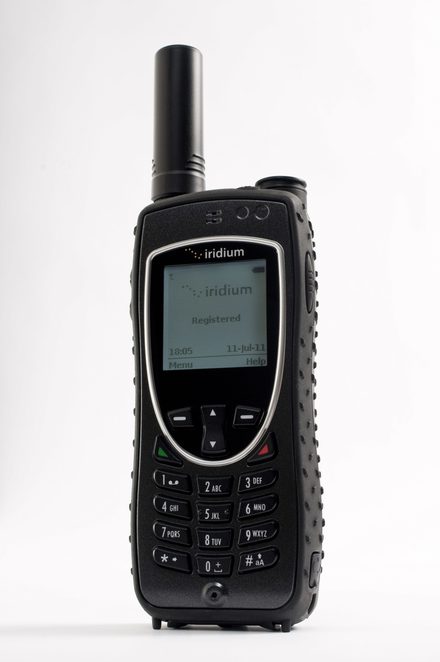
Iridium reset its network clock (a “re-epoch”) on 14 January 2026 — handsets that were off or unused around then can show the wrong date and time.
Reset the time settings
- Dial
*#99#2025021418141710# - Press the green key
- Turn the phone off and on again
- Let the handset register to the network — best outdoors with a clear view of the sky. Once registered, the date and time correct themselves.
Current firmware releases include the same fix — see the firmware guides.
We can talk you through it — call +44 20 7120 0009.