Iridium GO! — firmware
Firmware version and the update procedure for the Iridium GO! Wi-Fi hotspot.
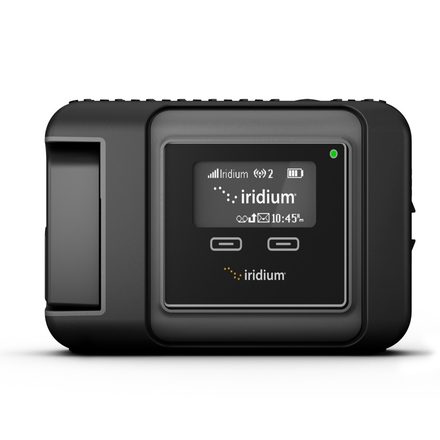
Firmware updates are done at the user's risk. It is important to follow the instructions precisely to minimise the risk of damage.
Do not proceed until you have identified the model you have. Always review the firmware documents to make sure a release is suitable for your exact model of equipment.
Current published firmware
The Iridium GO! firmware version 2.3.1 is available for download below.
Check the firmware version on the device
- Press either the left or right navigation button for the menu to appear
- Press NEXT until you reach the INFORMATION option
- Press SELECT
- Note the SSID number and the f/w (firmware) version
Step one — download the firmware and instructions
Iridium GO! firmware and instructions
Having the firmware ready is a two-step process: download the firmware, then unzip it.
Step two — run the update
Follow the instructions in the PDF included with the firmware download. You will need to connect to the Iridium GO!’s Wi-Fi and then go to a page in your web browser — full details are in the PDF.
We can talk you through any update — call +44 20 7120 0009.