Iridium 9575 Extreme — firmware
Firmware versions and the update procedure for the Iridium 9575 Extreme, for both newer and older handset models.
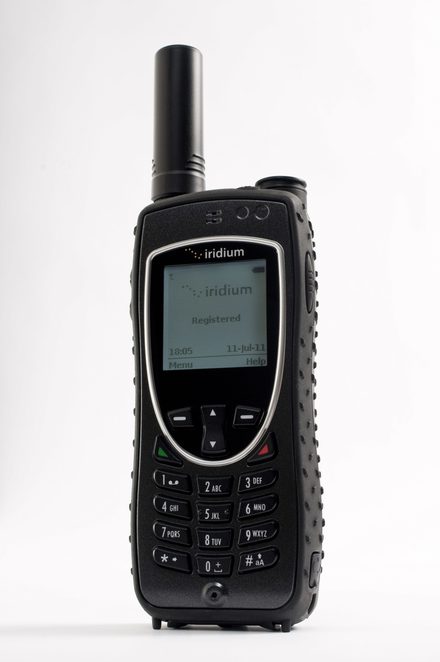
Firmware updates are done at the user's risk. It is important to follow the instructions precisely to minimise the risk of damage.
Do not proceed until you have identified the model you have. Always review the firmware documents to make sure a release is suitable for your exact model of equipment.
Which model do you have?
The phone model is printed on the white label under the battery.
- Newer models: IRID0215G, IRID0215AD, IRIDN0215D, IRID0215J, IRIDN0215A, IRIDN0215E01 — use firmware HL25003
- Older models: 9575 Extreme handsets not listed above — use firmware HL21001
To check the firmware version currently on the handset: Menu → Setup → Phone Information.
You will require a computer running Windows 11. This firmware update provides improved performance with Iridium’s new constellation.
Newer models — firmware HL25003
For models IRID0215G, IRID0215AD, IRIDN0215D, IRID0215J, IRIDN0215A and IRIDN0215E01. This release includes the fix for the January 2026 Iridium time re-epoch.
Download firmware HL25003 and instructions
Older models — firmware HL21001
For 9575 Extreme handsets not listed above.
Download firmware HL21001 and instructions
Running the update
Having the firmware ready is a two-step process: download the firmware, then unzip it. Then follow the instructions in the PDF included with the download. You will need to connect the computer to the Iridium Extreme via the USB cable and adapter.
We can talk you through any update — call +44 20 7120 0009.